
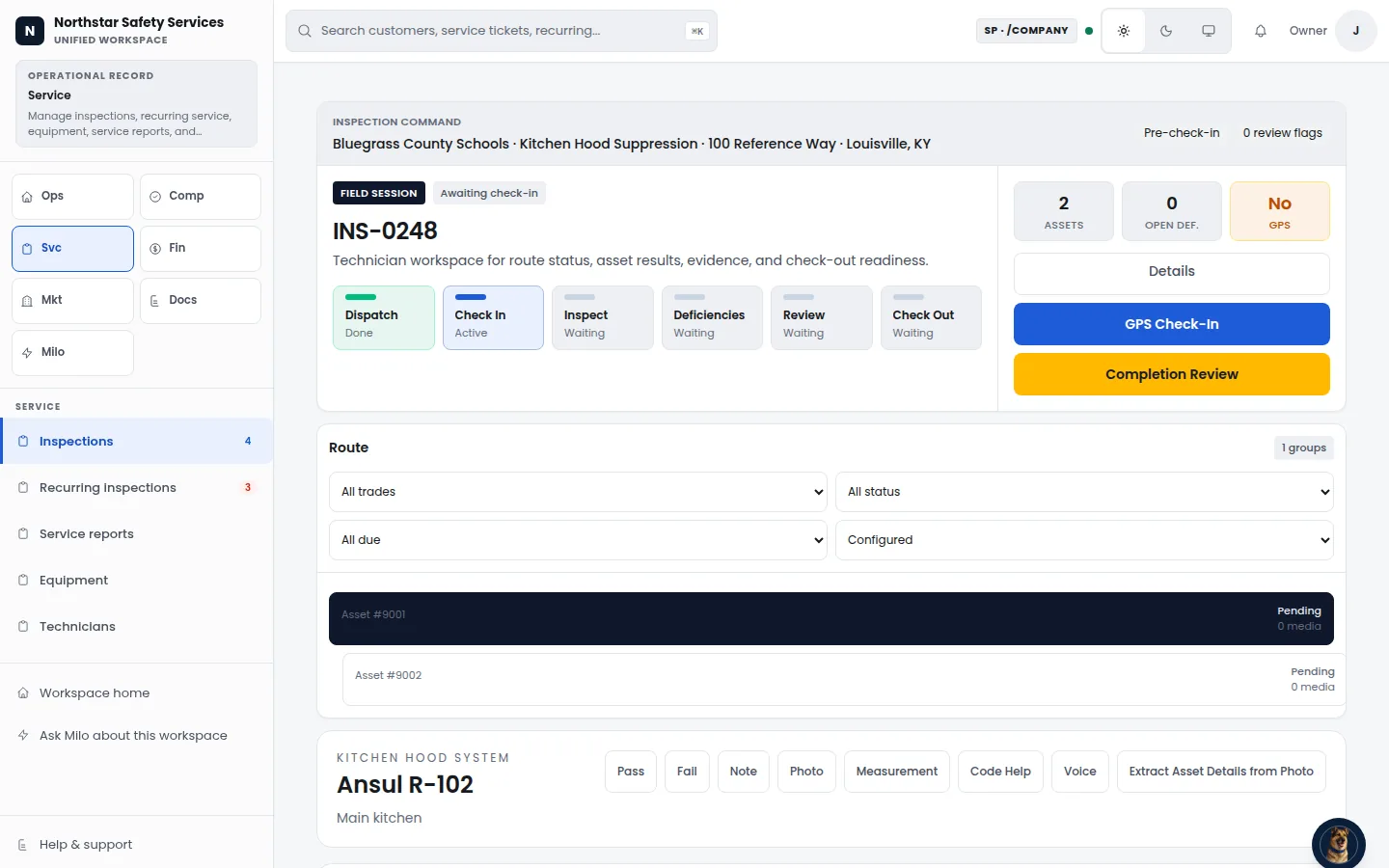
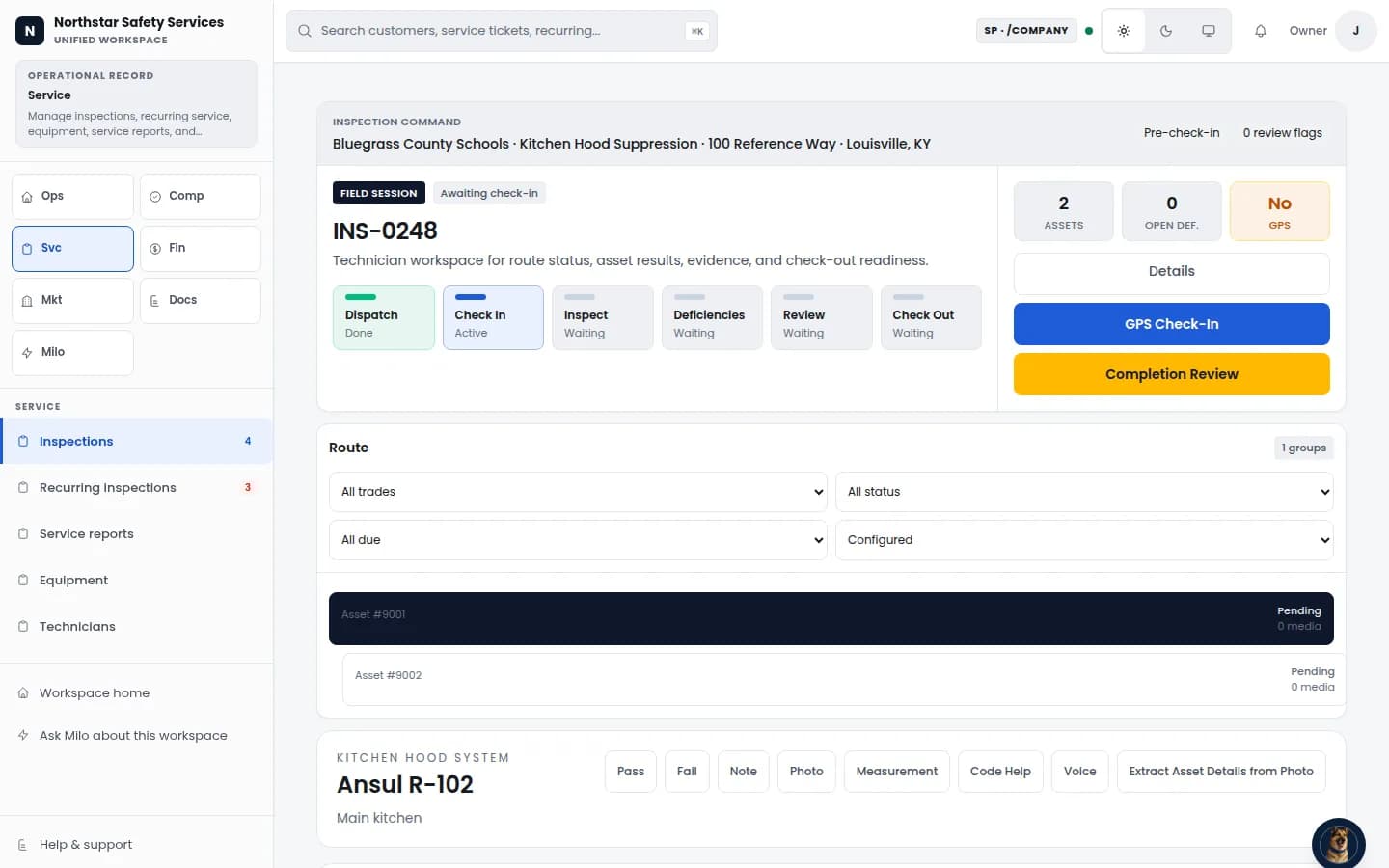
Compliance & Inspections
Run inspection stages, review flags, deficiencies, evidence, and completion from one workspace.
View Compliance & InspectionsSee Guspora in action
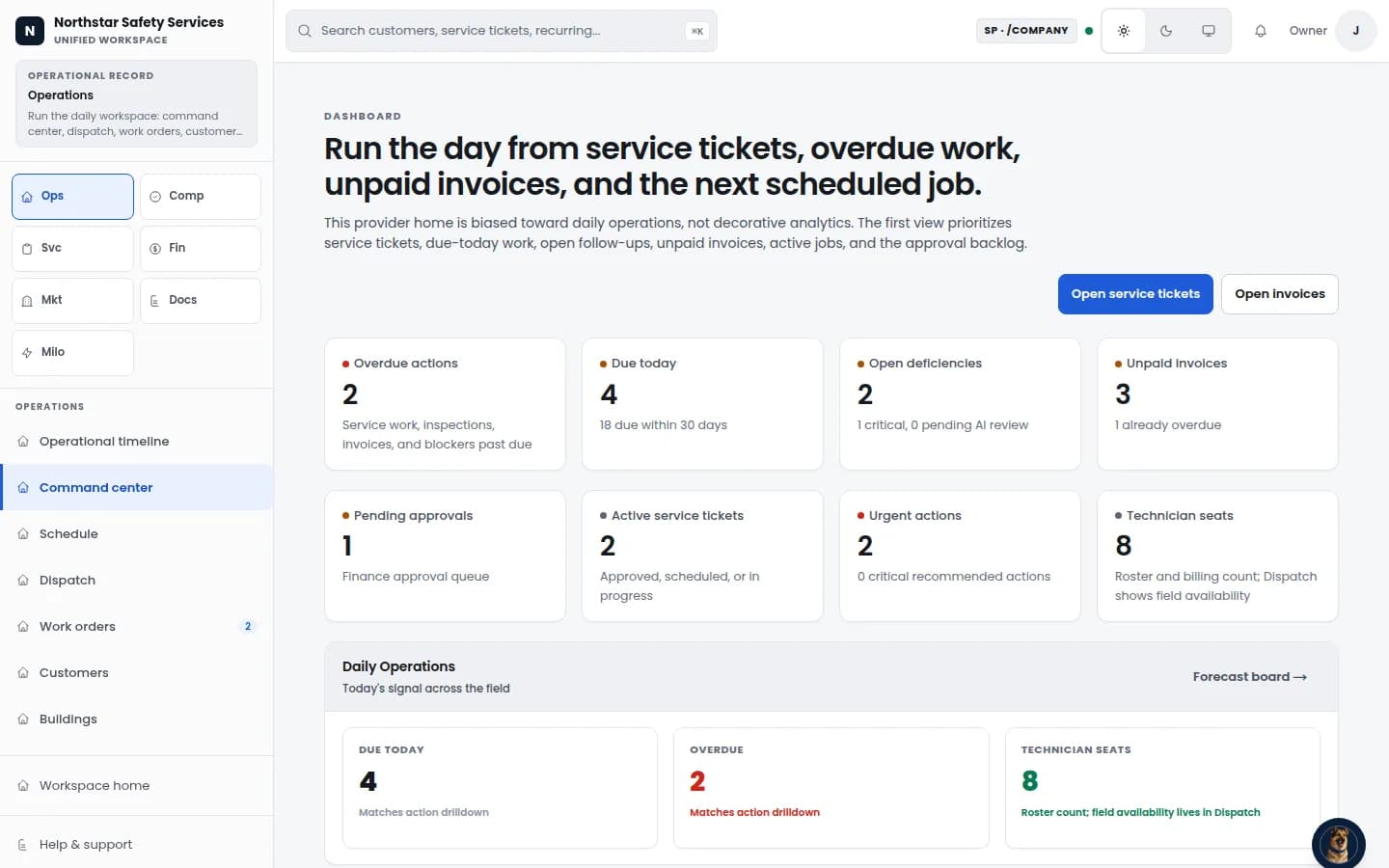
This artifact-backed walkthrough shows how Guspora is designed to connect inspection records, deficiencies, properties, service work, report filing, and AI assistance. It is not a fresh Tenant 11 end-to-end acceptance receipt.
Inside Guspora
Example workspace: review service work, upcoming tasks, and inspection records in one place.
What you just saw
Step 1
Review artifact-backed inspection, report, deficiency, evidence, and completion surfaces. Current live workflow acceptance is tracked separately.
Run inspection stages, review flags, deficiencies, evidence, and completion from one workspace.
Demo path
Walk through the core operating record: inspections, properties, deficiencies, service work, and signup.
Compliance & Inspections
Run inspection stages, review flags, deficiencies, evidence, and completion from one workspace.
View Compliance & Inspections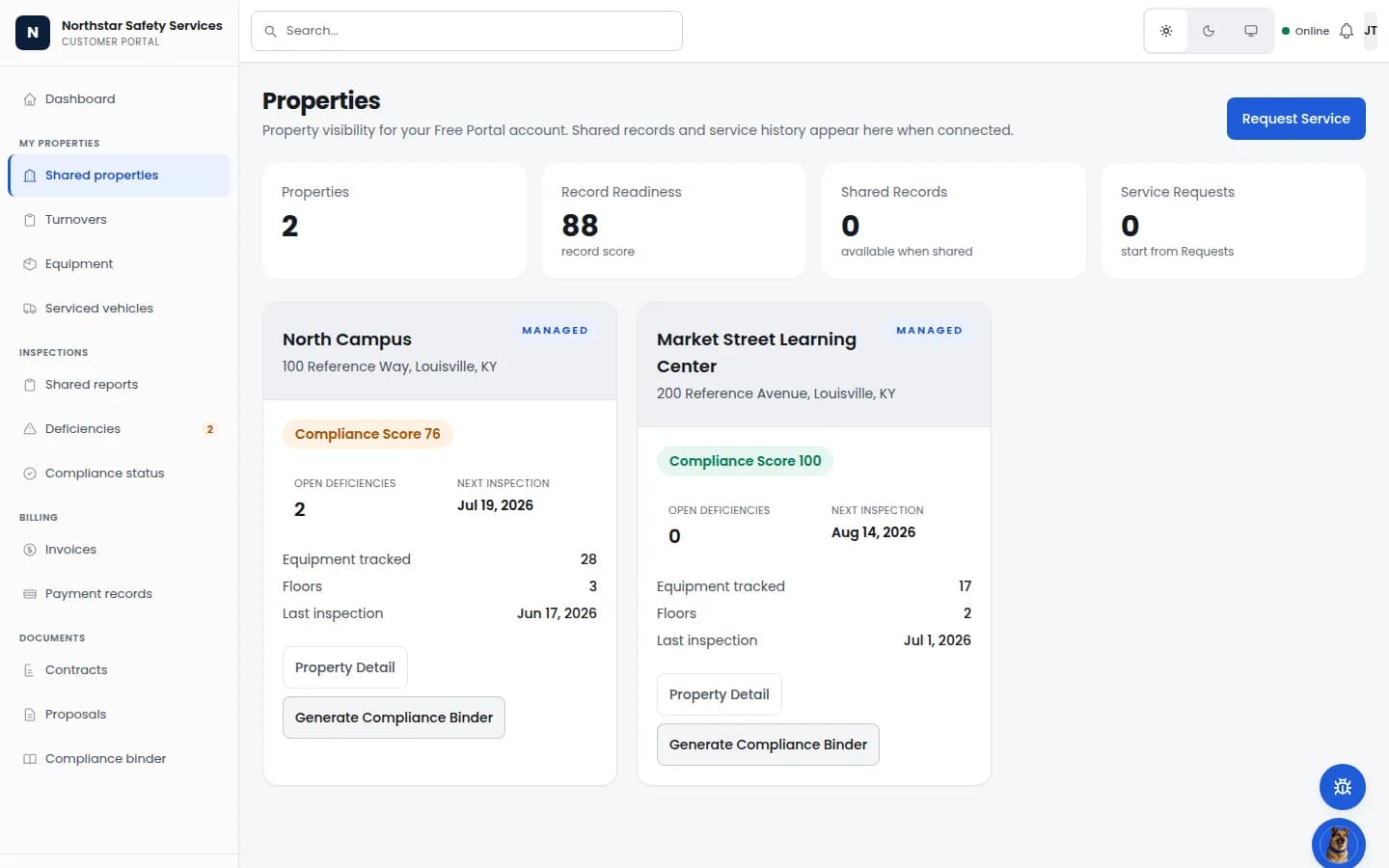
Property / occupancy
Give authorized property users a scoped view of locations, readiness, equipment, deficiencies, and inspection dates.
View Property / occupancyReports & deficiencies
Move representative inspection work through evidence, findings, review, and completion stages. Configured trade templates vary.
View Reports & deficiencies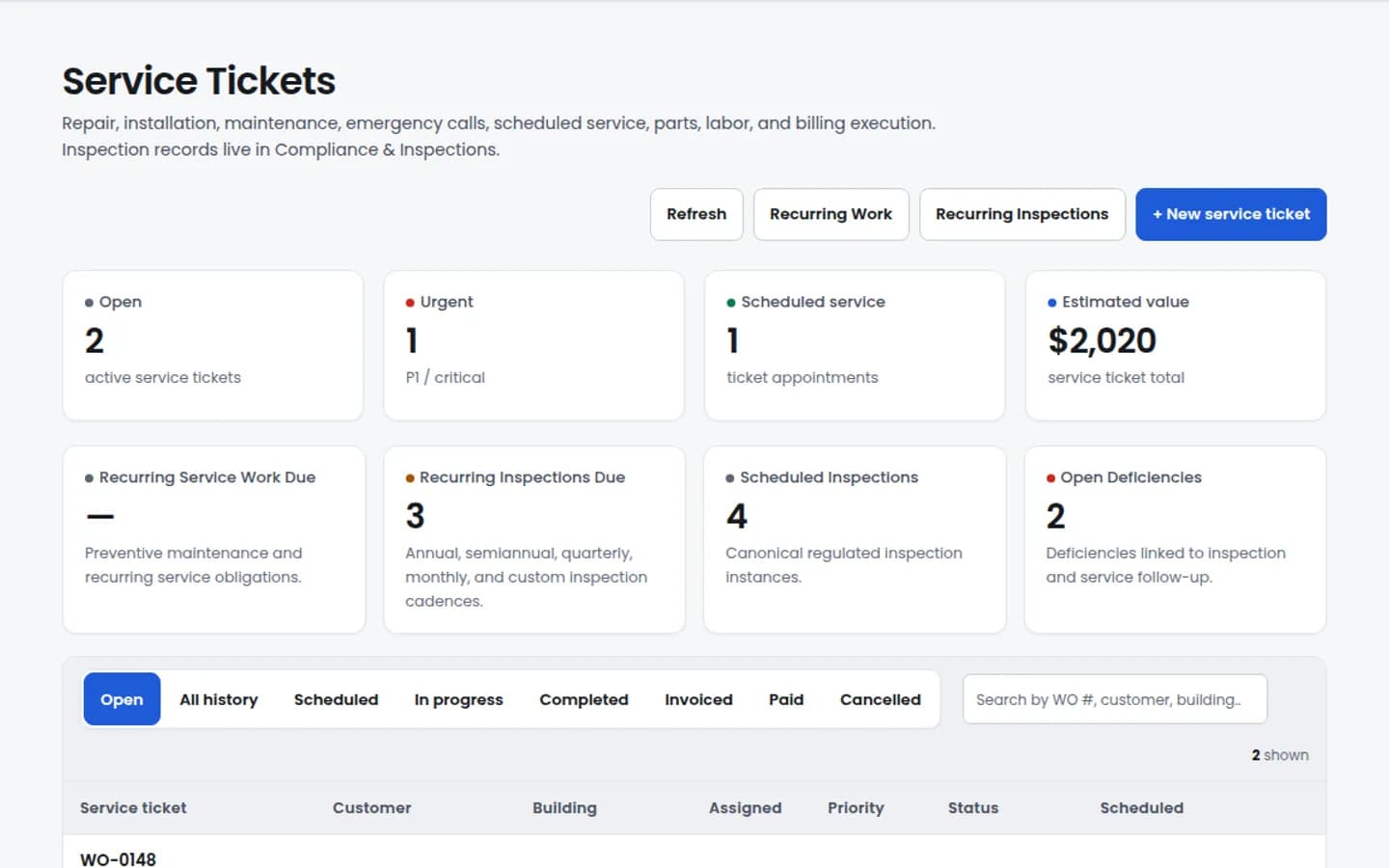
Service work
Track work requests, status, priority, and follow-up without losing inspection or site context.
View Service workProof of work
Track work requests, status, priority, and follow-up without losing inspection or site context.
View Proof of work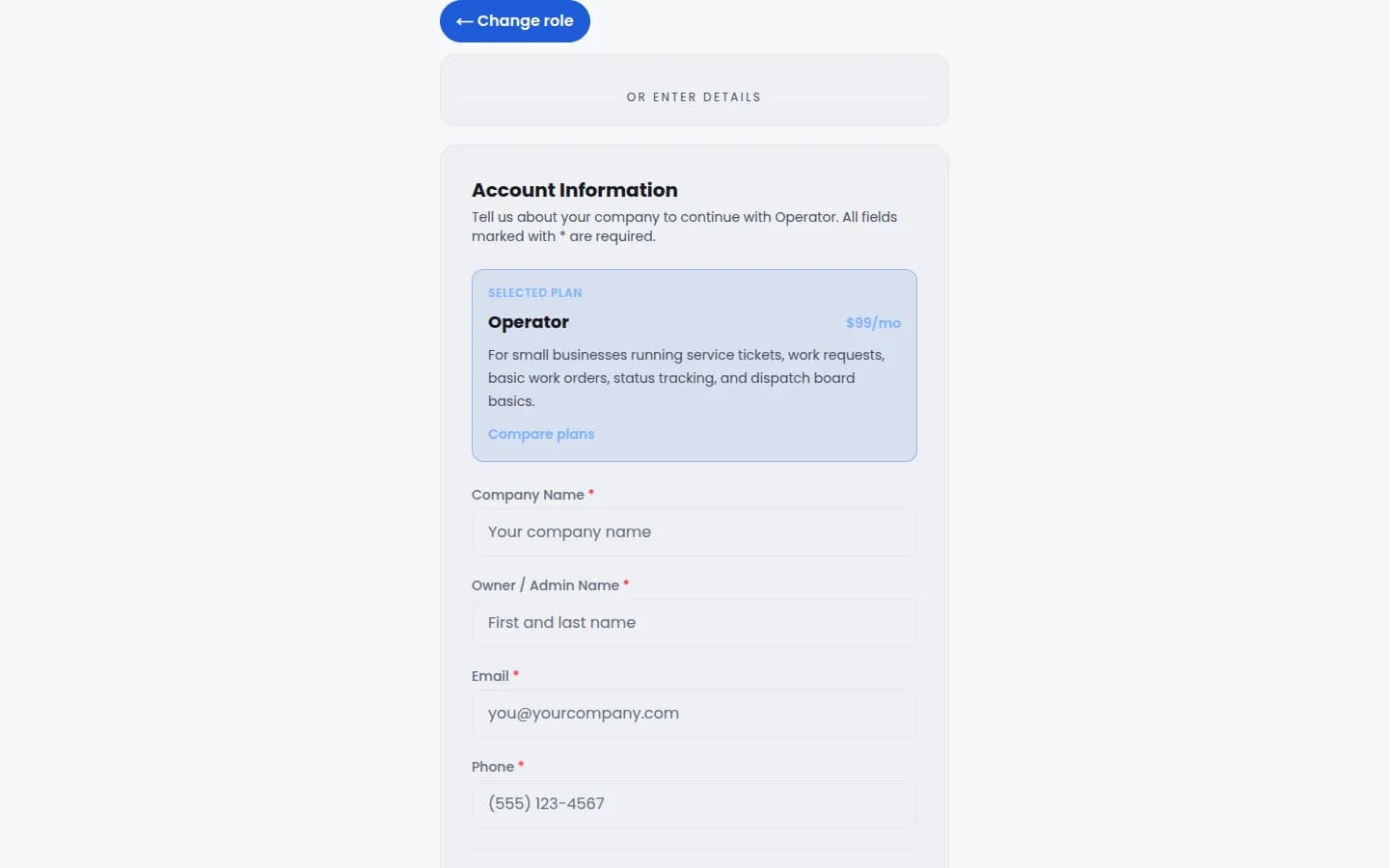
Signup path
Choose a plan and start from a signup flow that keeps your selection visible.
View Signup pathMaintenance accountability demo
A leak, dispatch, technician arrival, before and after proof, notes, materials, signature, closeout, and billing-ready handoff all stay connected to one governed record.
View Maintenance AccountabilitySingle-job proof path
01
Start with inspection records, reports, deficiencies, permits, evidence, and completion controls in the same governed workspace.
02
Connect customers, locations, equipment, inspection history, documents, and health signals around the same record.
03
Turn inspection findings into deficiency tracking, report actions, contractor recommendations, and repair follow-up.
04
Connect service work, maintenance, turnovers, communication, billing status, and follow-up without creating another disconnected system.
05
Turn one job into a timeline: dispatch, arrival, before and after proof, notes, materials, signature, closeout, and billing-ready handoff.
06
Explore Free Core, the report-filing path, or a paid plan. Live filing and payment availability must be confirmed during signup.
Choose your next step
Start Free Core if you want to try the record, see pricing if you are comparing plans, submit a report if you only need filing, or request a guided demo for a tailored walkthrough.