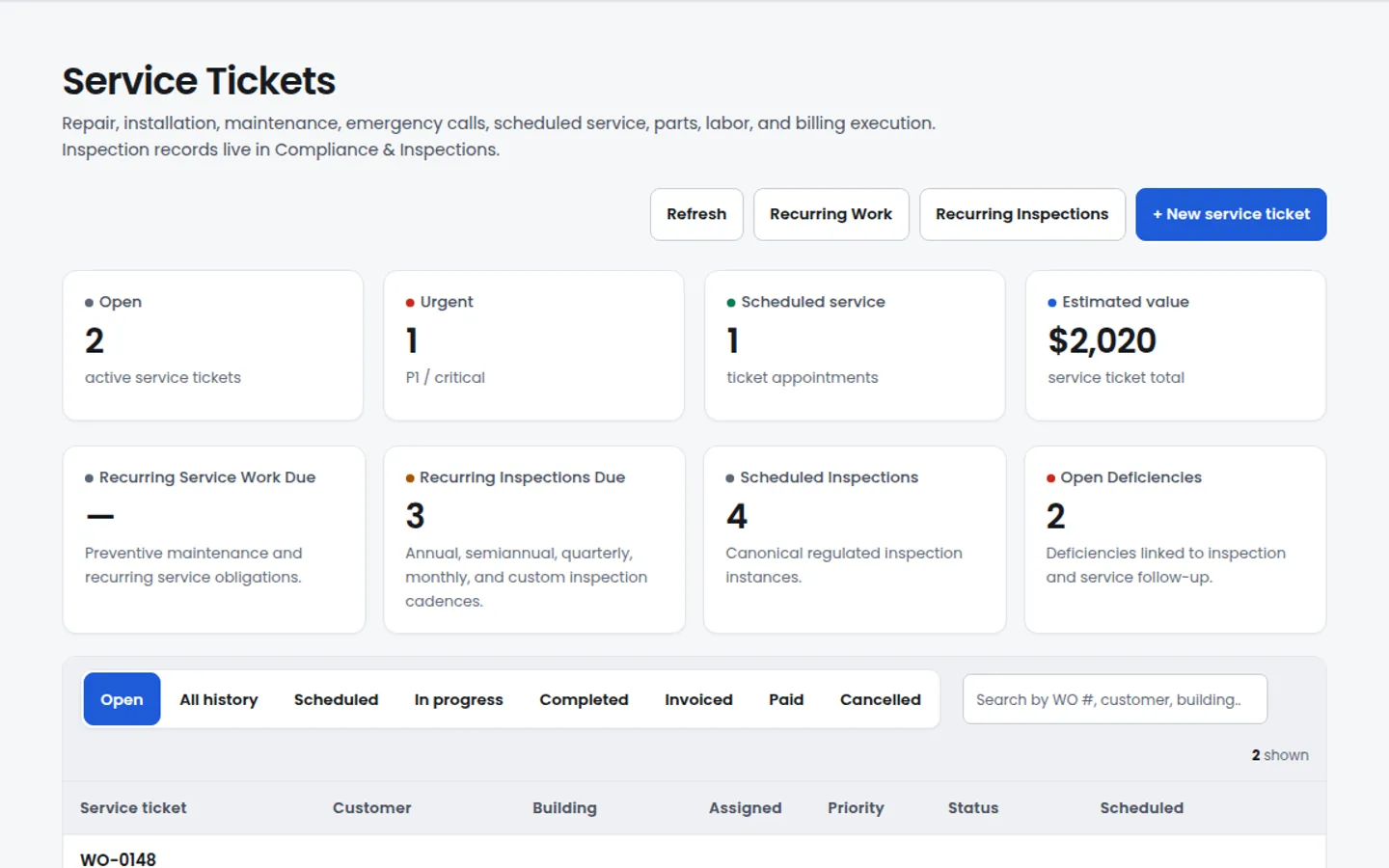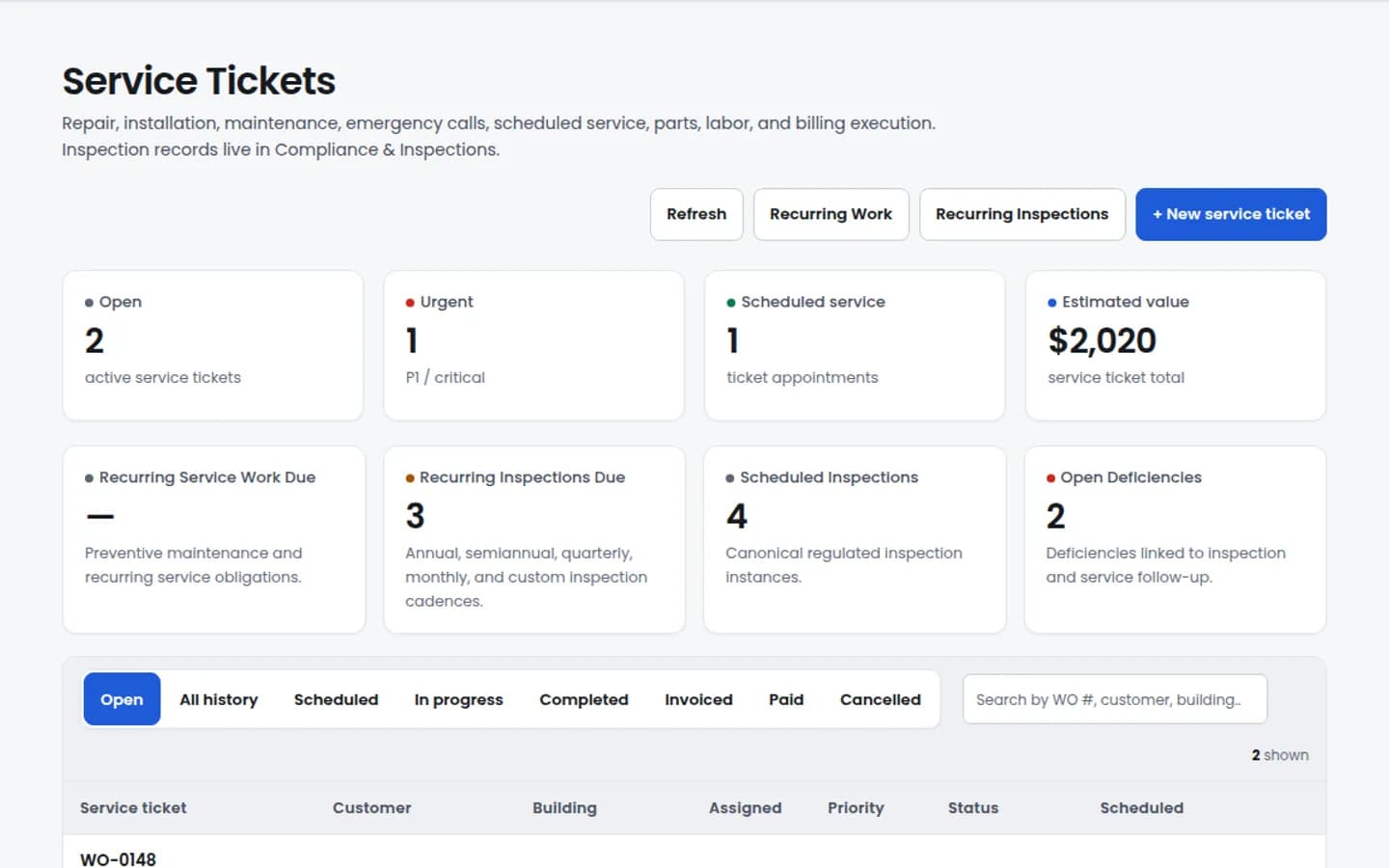
Service work / requests
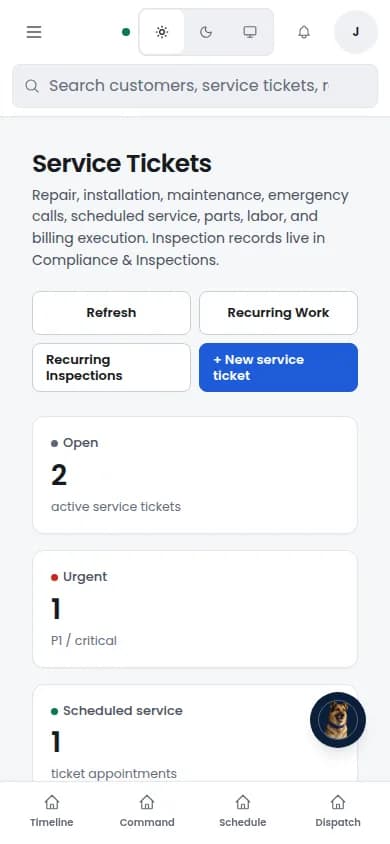
Track work requests, status, priority, and follow-up without losing inspection or site context.
Start OperatorCustomers, jobs, work orders, schedules, inspection records, reports, deficiencies, documents, customer portals, billing status, and follow-up — one connected business record for service operations.
Broad configured workflow library. Available where configured.
Product walkthrough
The same record carries the customer, site, work request, inspection finding, deficiency status, schedule, documents, and billing-status context.
Service work / requests
Track work requests, status, priority, and follow-up without losing inspection or site context.
Start Operator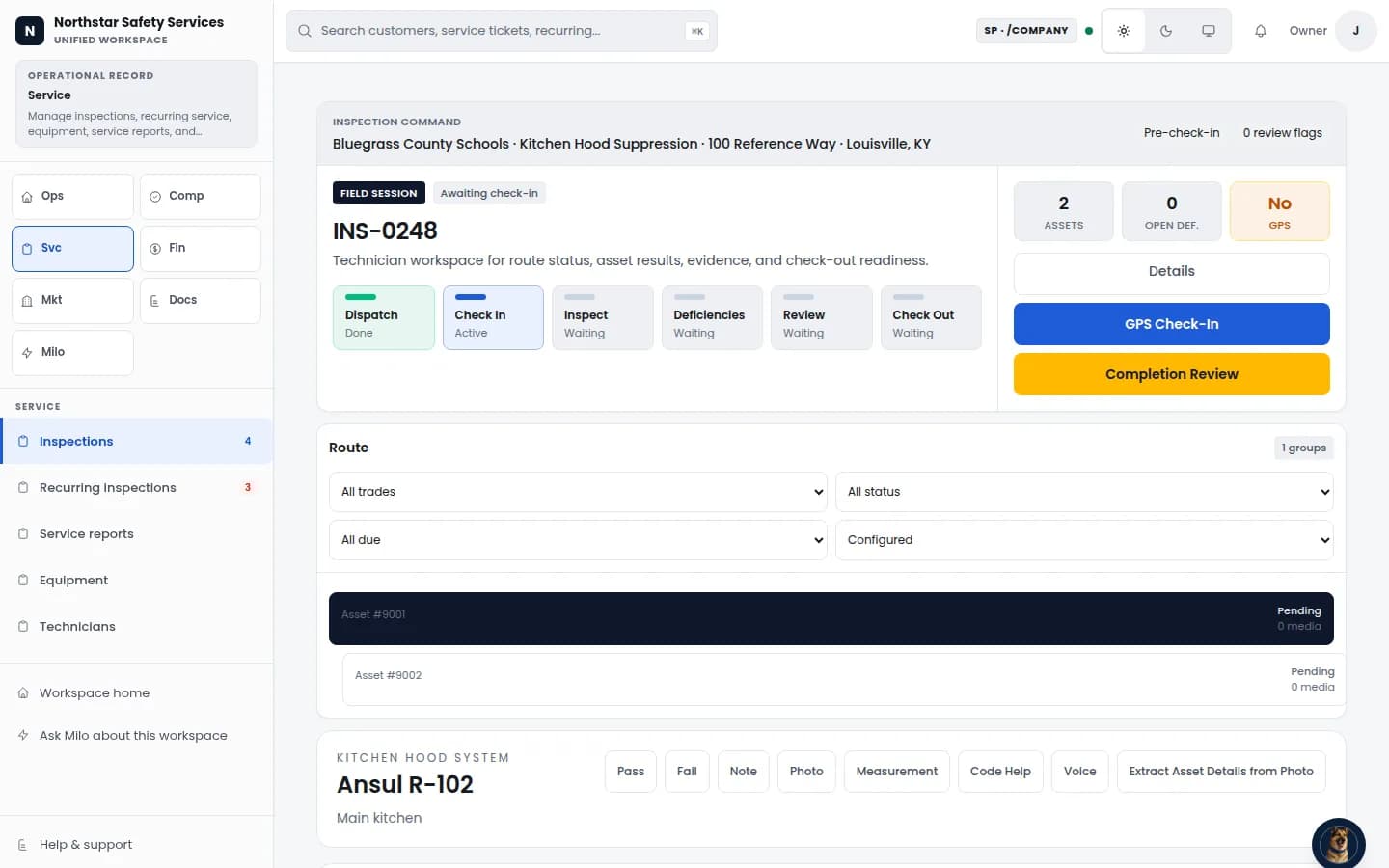
Reports & deficiencies
Move representative inspection work through evidence, findings, review, and completion stages. Configured trade templates vary.
View Compliance & Inspections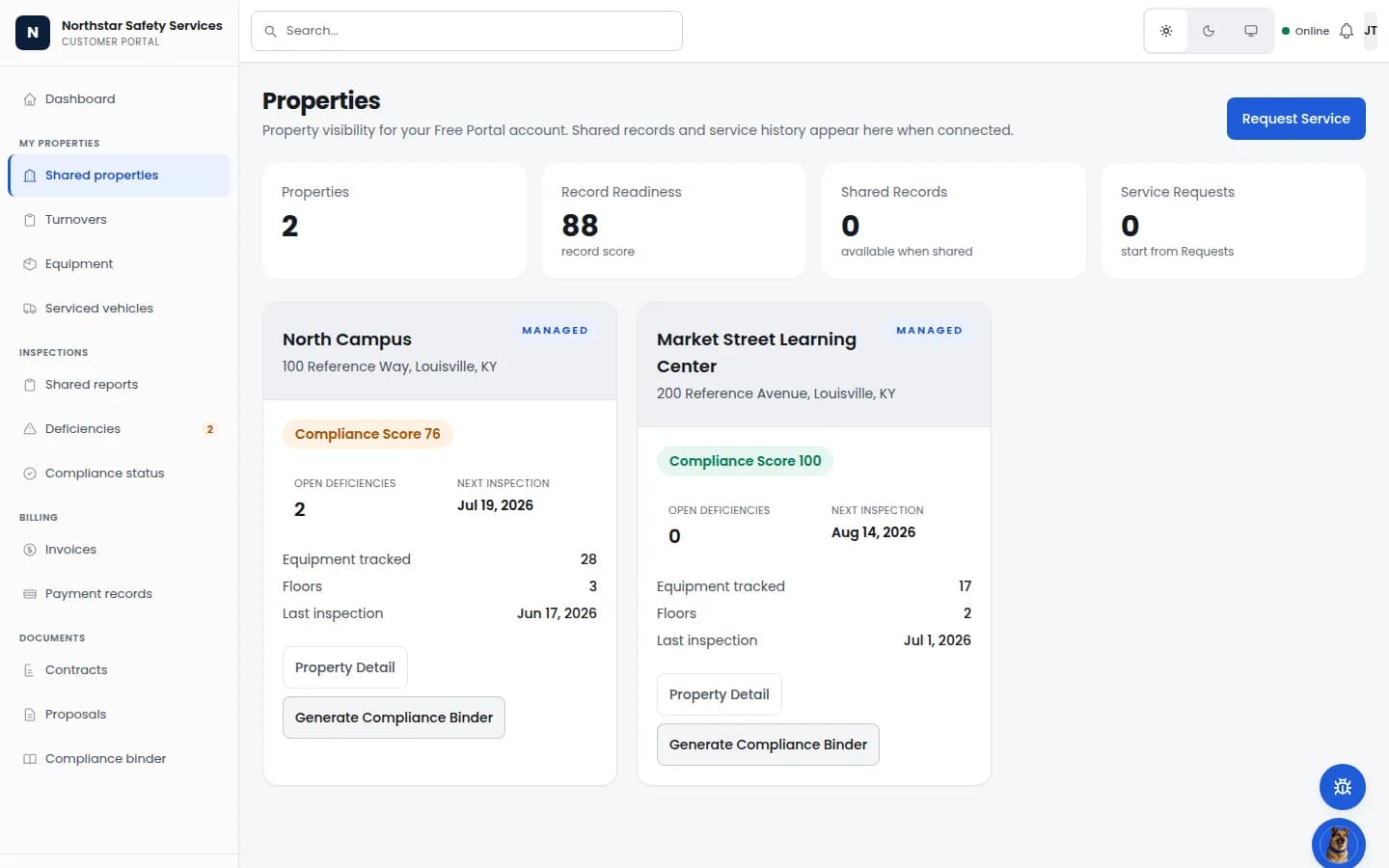
Customer and site record
Give authorized property users a scoped view of locations, readiness, equipment, deficiencies, and inspection dates.
Request a demoFrom work order to proof
Service teams can connect dispatch, arrival, photos, notes, materials, deficiency follow-up, signature, completion, and billing status to the same work record.
Track work requests, status, priority, and follow-up without losing inspection or site context.
Broad
configured workflow library across inspections, service, documents, vendors, customers, and compliance follow-up.
One record
from the call coming in to the deposit hitting the books. No nightly sync. No re-key. No "wait, which system has the latest?"
Three parties
service provider, building owner, and authority having jurisdiction can each receive a configured, permission-scoped view of the same record. Confirm the workflow and access your team needs during setup.
Built-in
Customer records, follow-up workflows, customer portal views, mobile workflows, and billing-status context. Available scope is configured by plan and tenant settings.
Dispatch and the work order
Live demo: dispatch list, a real work order, customer profile, and building profile all read from the same row.
Inspection workflow proof
Fire alarm, sprinkler, backflow, kitchen hood, extinguisher, and the long tail. Same shape. Same record set. Same customer file the office is looking at.
Start the inspection
Pick the inspection type from the live library. NFPA edition pinned to the jurisdiction adoption — not the latest published edition.
Walk the asset route
Technicians move through assets on mobile. Photo, reading, and pass/fail attach to the asset, not the camera roll.
Capture deficiencies
Asset detail carries the equipment fields and the deficiency the field tech flagged. The proposal draft is assembled from your price book.
Render the report
Report preview is generated from the same record. Customer and AHJ see the same file once delivery is approved.
What this proves operationally
The dispatch list, the work order, the inspection workspace, and the report preview are different views of one record — not four exports between four tools.
The owner watches margin and pipeline. The office runs the schedule. The field tech captures the work. They are not switching tools to do their part of the day.
Owner-operator
Run the company off one screen.
Office staff
Stop being the human sync layer.
Field tech
One app from punch-in to sign-off.
Each module sits on the canonical engines underneath every Guspora suite — work orders, proposals, payments, audit — so adding or dropping Service does not migrate the data.
Inspections
Available nowBroad configured workflow library for inspections, service, documents, vendor coordination, customer records, and compliance follow-up. Guided checklists, photo evidence, and deficiency capture stay connected to proposals. Add Equipment supports Extract from Photo where configured.
Dispatch & Scheduling
Available nowDay-board, route view, technician calendar. Drag a job to a different tech and the work-order trail follows — no second message, no orphaned notes. Customer-visible ETAs only when policy says so.
Work Orders
Available nowCanonical core engine. The same record from intake to invoice. Time, expenses, parts, photos, and signatures attach to one row, readable to office and field at once.
Deficiency to Proposal
Available nowDeficiencies captured on the inspection roll into a proposal draft with line items, takeoff references, and approval routing. Customer approves in the portal; the proposal becomes a work order on the schedule.
Customer Portal
Available nowBuilding owners see their inspection history, open proposals, deficiencies, invoices, and payment-status context where configured. The AHJ sees their authorized slice.
Mobile Workflows
Available nowInspector and technician workflows capture photos, signatures, and readings on supported mobile surfaces. Ask about device support for your field team.
CRM & Pipeline
Available nowLead intake, pipeline stages, customer health scoring, owner notes, and follow-up tasks sized for service-business workflows. Connect your existing CRM for additional requirements.
Marketing Campaigns
Available nowAudience lists, campaign drafts, scheduling context, and tracking where configured. Customer sends remain governed by configured approval, consent, and notification controls.
Recurring Schedules
Available nowAnnual, semi-annual, quarterly, and monthly inspection schedules auto-generate jobs at the right cadence. Renewal reminders, expiring tag dates, and re-inspection windows handled by the schedule, not a spreadsheet.
Payments & Invoicing
Available nowInvoice and payment-status context tied to the work record. Payment collection uses configured approved processors and does not move money without an explicit payment workflow.
Commission Tracking
Available nowCompany rules with per-technician overrides. Four payout types — percentage of gross, dollars per billable hour, dollars per total hour, dollars per approved entry. Commission context stays tied to the deficiency-to-proposal-to-invoice path so managers can review the credit before payroll-provider export.
Payroll Runs & Pay Stubs
Available nowApprove hours and commission lines per pay period, generate pay stubs as downloadable PDFs, and export to ADP, Gusto, Paychex, or generic CSV. The pay stub matches the audited record the tech worked from. Direct deposit and payroll compliance stay with your payroll provider.
Analytics Dashboards
Available nowRevenue per tech, close rates by stage, margin by trade, AR aging, recurring renewal capture. Reports run on the same database the work was logged on — not on a nightly export.
Three-Party Trust
Available nowService provider, building owner, and authority having jurisdiction each see the right slice of the same record. Re-typing drops; missed-item surface area drops; everyone reads the same source of truth.
Dispatch Planning
Available nowDispatch board planning with capacity context, per-tech work windows where configured, and audit history for schedule changes. The Scheduling agent can assist drafts; dispatch stays accountable.
Six steps from the service provider’s perspective. No swivel-chair between systems. No re-typing.
1. The call comes in.
A property manager calls about an annual fire alarm inspection. Office staff opens the customer record — no spreadsheet hunt, no shared inbox to grep — and sees the prior inspection, last invoice, open deficiencies, and the building’s adopted NFPA edition. The CRM has the contact, the pipeline stage, and the renewal history on the same screen. The lead becomes a job in two clicks.
2. The inspection is scheduled.
Dispatch drops the job onto the day-board for the right tech. Recurring schedules surface the rest of the year — annual, semi-annual, quarterly, monthly — so the renewal does not depend on someone remembering. The customer portal can show the appointment where configured; AHJ visibility stays limited to authorized records.
3. The tech arrives, and the mobile workflow runs the inspection.
The tech opens today’s board on the phone. Picks the configured workflow for the job. The checklist walks each step, captures photos, records readings, and keeps jurisdiction-specific guidance tied to the record where configured. Supported mobile web workflows keep the office aligned without promising a public native mode.
4. A deficiency is found.
The tech logs a finding — a tagged extinguisher overdue for hydro, a sprinkler riser with a corroded gauge, a backflow that failed test. Photo, citation, and recommended remediation attach to the deficiency. The deficiency is not a sticky note; it is a record on the same row as the inspection and the customer.
5. The proposal generates from the deficiency.
A proposal draft can be assembled from your configured catalog with line items, takeoff references, and approval routing. The customer review path stays governed by the workflows your provider enables. An approved proposal can become scheduled service work without re-keying the job context.
6. The customer pays through the portal.
Time, expenses, parts, and signatures from the repair work attach to the same record. Invoice and payment-status context follows the work order instead of living in a separate spreadsheet. Payments and accounting syncs use configured approved processors and integrations, and AHJ visibility stays limited to authorized records.
Six steps. One record. Office, field, customer, and AHJ each saw the slice they needed without anyone re-typing the work into a second system.
Most trade contractors run a CRM over here, an email tool over there, and a service-management tool in the middle. Three lists, three exports, three places the customer’s phone number can be wrong. Service collapses the three.
CRM and pipeline
A pipeline sized for trade contractors.
Today, Service is enough CRM that most operators do not need a second tool to do the work. If you run a dedicated sales team with deep pipeline management, keep your CRM and connect it to the customer record.
Marketing campaigns
Email outreach without exporting your customer list.
Campaign drafting is available at /company/marketing/campaigns. External delivery remains held behind governed approval, explicit marketing consent, suppression, quiet-hours, and kill-switch checks; no campaign is represented as sent from the draft surface.
Service gives teams one place for customer records, pipeline context, campaign drafts, and follow-up tasks. We are honest about the ceiling: if you need enterprise CRM automation, account hierarchies, or a custom sales data model, keep that specialized tool.
See which workflows Service brings together and where your existing specialist tools fit.
Coordinates
Service-business workflow
For service workflow - customers, jobs, schedules, work orders, proposals, documents, customer portal views, and follow-up - Service gives teams one governed operating record.
Billing status around the work
Invoice and payment-status context can stay tied to the work record while your accounting system remains the financial ledger.
Customer communication context
Campaign drafts, audiences, and follow-up tasks can use the customer record. Sends remain subject to consent, approval, and configured notification controls.
Light pipeline and renewal tracking
Lead intake, renewal context, owner notes, and follow-up tasks live next to the work record. Connect your existing CRM for additional requirements.
Stays where it is
Payroll provider (ADP, Gusto, Paychex)
Payroll, W-2s, and direct deposit stay with your existing payroll provider. Guspora exports a CSV of approved hours, jobs, and rates — clean enough for the major payroll systems to import — but we are not pretending to be your payroll processor.
Accounting system
If you run accounting software as your full general ledger, keep it. Guspora coordinates operational status and can support exports where configured; your accounting system remains the general ledger.
Enterprise CRM
Connect your existing CRM when you need custom objects, account hierarchies or advanced marketing automation.
Specialty pricebook / inventory tools
If you run a deep pricebook or inventory-costing system, keep it and import your price list. Most contractors run on the built-in pricebook.
Dedicated routing tools
If you run a specialized multi-stop routing product, keep it. Service focuses on dispatch-board planning and accountable schedule changes, not last-mile fleet routing.
Every contractor we have worked with had a version of the same problem: the dashboards do not match the books, the books do not match the field, and the field does not match what the customer was told. The fix is not better reports. The fix is a single record under all of it.
Owner-level
Office and dispatch
Reports run live against the same database the work is logged on — not against a nightly export, not against a separate warehouse, not against a CSV that someone in the office has to remember to refresh. When the field changes, the dashboard changes.
We took the trade-contractor playbook seriously and built around the systems you actually run, not around a closed ecosystem we wish you ran.
What plugs in
Data is yours, on demand
Per-seat pricing, no implementation tax, and no surprise re-pricing on year two. Office, dispatch, and tech roles are priced separately so a field-only seat does not cost what a full office user costs.
Service is part of every Guspora tenant once enabled. No separate login. No separate billing. No second customer list to keep in sync.
Field service for trade contractors. One record. One operating system.